
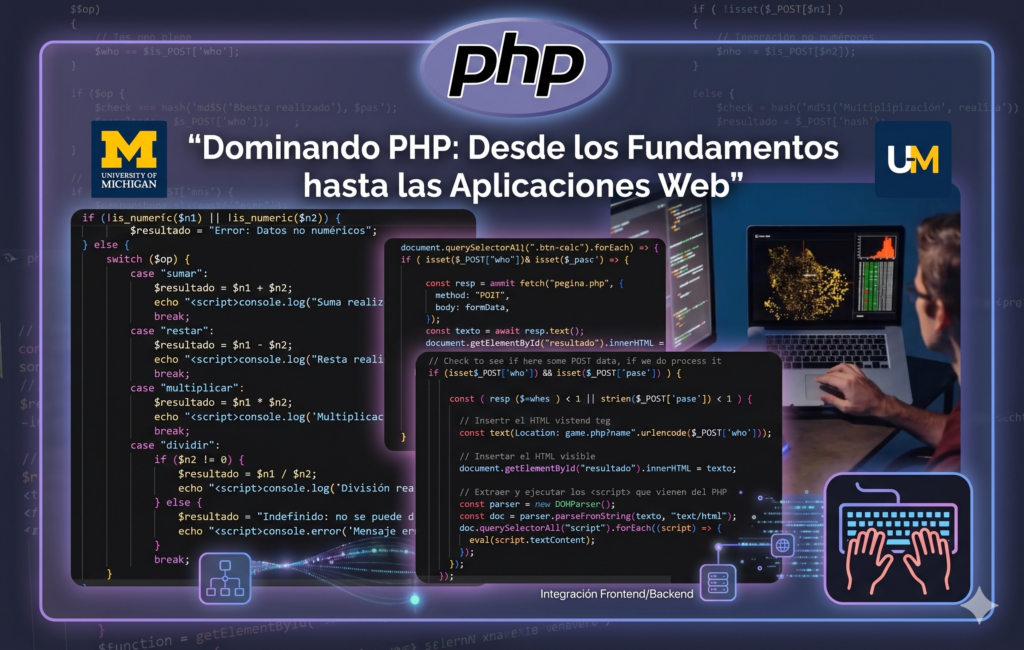
These exercises are part of my learning process in the ‘Building Web Applications in PHP’ course from the University of Michigan. The goal was to demonstrate the server environment configuration and the basic handling of PHP/HTML syntax.
PHP Basics: Environment Setup and Hashing
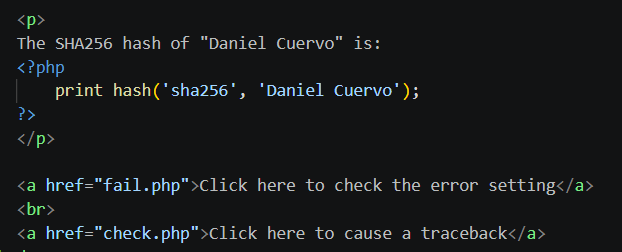
Here’s a snippet of how I integrated the PHP hashing function directly into the HTML structure. It’s a simple but effective way to see how the server processes logic before sending the final page to the browser.
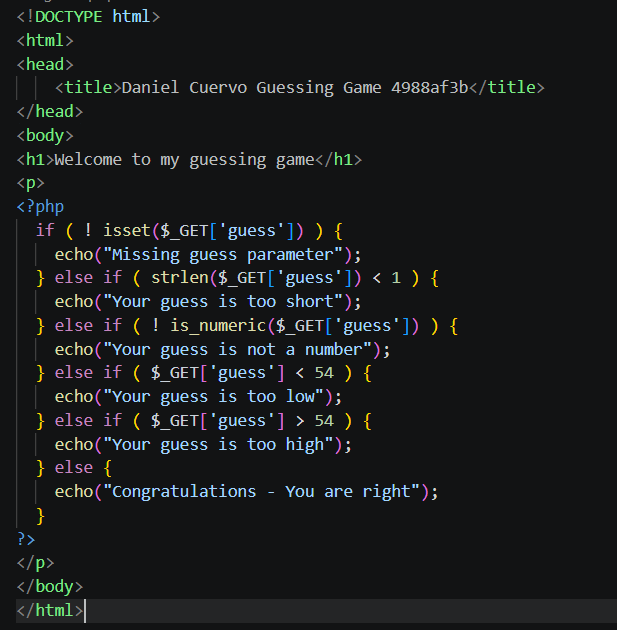
Second activity: Evaluating the info parameter
In this second exercise, I developed an interactive guessing game using PHP. The main challenge was managing user-submitted data through URL parameters (the GET method). I implemented a step-by-step validation logic: first checking for the parameter’s existence, then ensuring it was a numeric value, and finally comparing it to the secret number (54) using conditional structures. This exercise helped me understand how the server processes dynamic information in real-time
Working with 'ngrok'
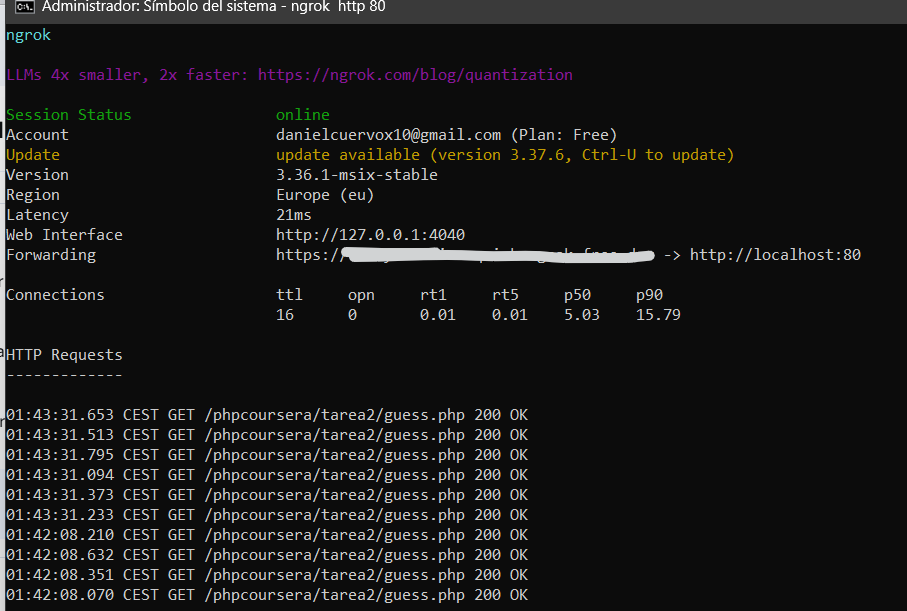
For this project, I had to use ngrok, a tool that creates a secure tunnel from the public internet to my local server. Before this, my work was only visible on my machine, but ngrok basically «opened a window» that made my localhost globally accessible through a temporary URL.
This was crucial for the university’s Autograder to access and test my logic live. It’s a game-changer for testing webhooks or showing a work-in-progress to a client without the hassle of deploying to a live production server. I hadn’t heard of it before, but its utility is undeniable—it’s now a staple in my development workflow.
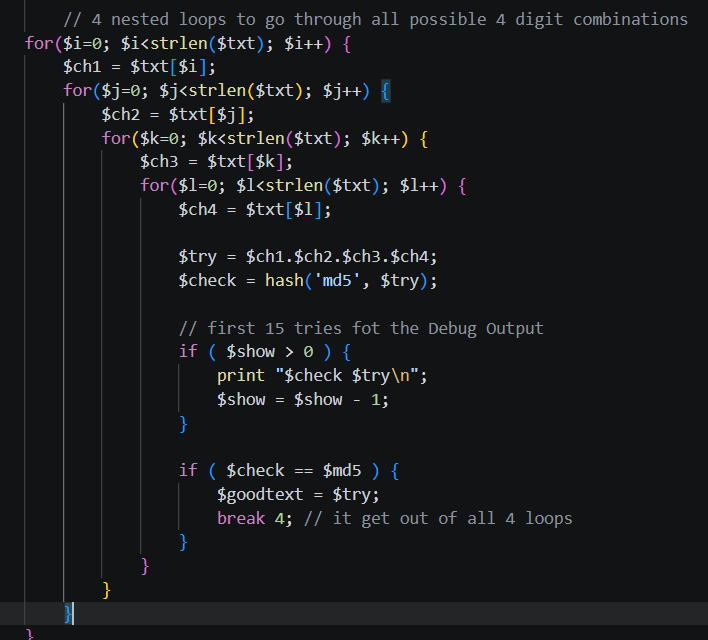
Understanding Nested Loops: Cracking 4-Digit Codes
Once again, I find myself working with MD5; this past month, it has been everywhere—not just in cybersecurity but now in my PHP practices as well. This time, the challenge stepped up with four nested loops to perform a brute-force attack.
This exercise allowed me to discover PHP functionalities that, while powerful, are surprisingly simple to apply. I felt very comfortable with the logic, though I must admit that at first, concepts like isset() and the $_GET superglobal felt a bit strange. I had to constantly remind myself that these weren’t variables declared in another file, but rather dynamically generated by PHP from the URL.
In the end, the lesson is clear: what truly protects data isn’t the secrecy of the algorithm, but its complexity and the length of the key. Security through obscurity is no match for a well-structured loop.

Rock, Paper, Scissor game
the Login
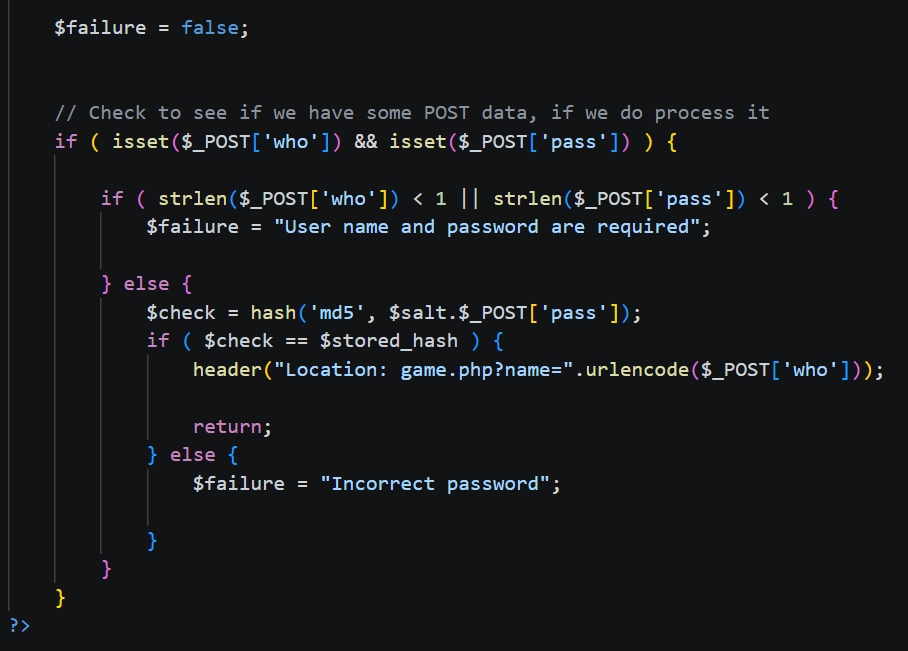
What I appreciate about this specific script is that it demonstrates the «Salted Hash» concept so clearly. In modern development, we usually use more advanced functions like password_hash(), but building this manually gave me a deep understanding of how authentication works «under the hood.» It’s a clean, functional gatekeeper that balances security logic with a straightforward user interface
The Test Mode
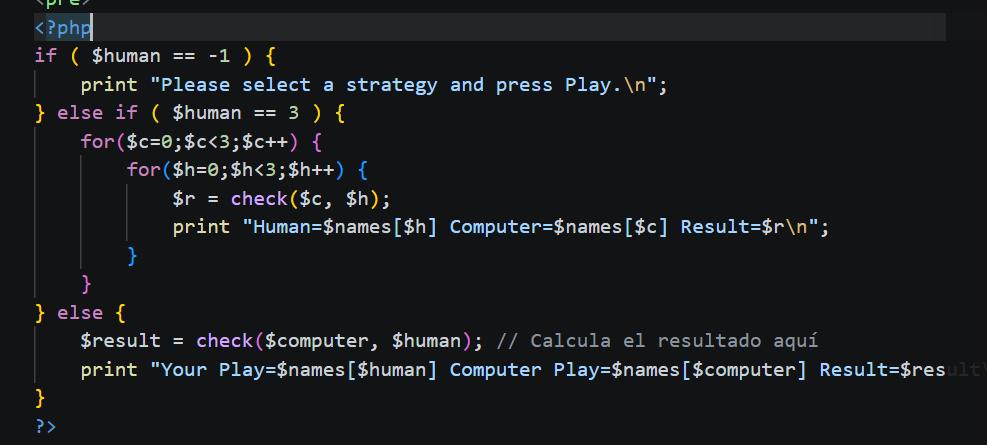
This project was a deep dive into the fundamentals of server-side logic using PHP. The goal was to build a fully functional, interactive «Rock Paper Scissors» game where a user plays against the server. It handles everything from input validation and security (preventing XSS with htmlentities) to complex conditional logic to determine the winner.
One of the highlights of the code is the automated test suite that I had to integrated according to the course. By selecting a specific «Test» parameter, the script runs through a double-nested loop to simulate every possible game outcome. This ensured the game rules were perfectly implemented before I ever hit «Play.»
Task four: The calculator
In addition to the four projects I completed as part of the University of Michigan’s «PHP for Everybody» specialization (taught by the great Dr. Charles Severance), I’ve also integrated a new project developed during my studies in the Web Application Development program at Virgen de Gracia.
This new addition is a Dynamic Web Calculator. While the core logic is built with PHP to handle the mathematical operations on the server side, I wanted to push the boundaries of a simple «school assignment.» To achieve this, I integrated JavaScript for real-time button manipulation and used Tailwind CSS to give the interface a modern, sleek, and responsive look.
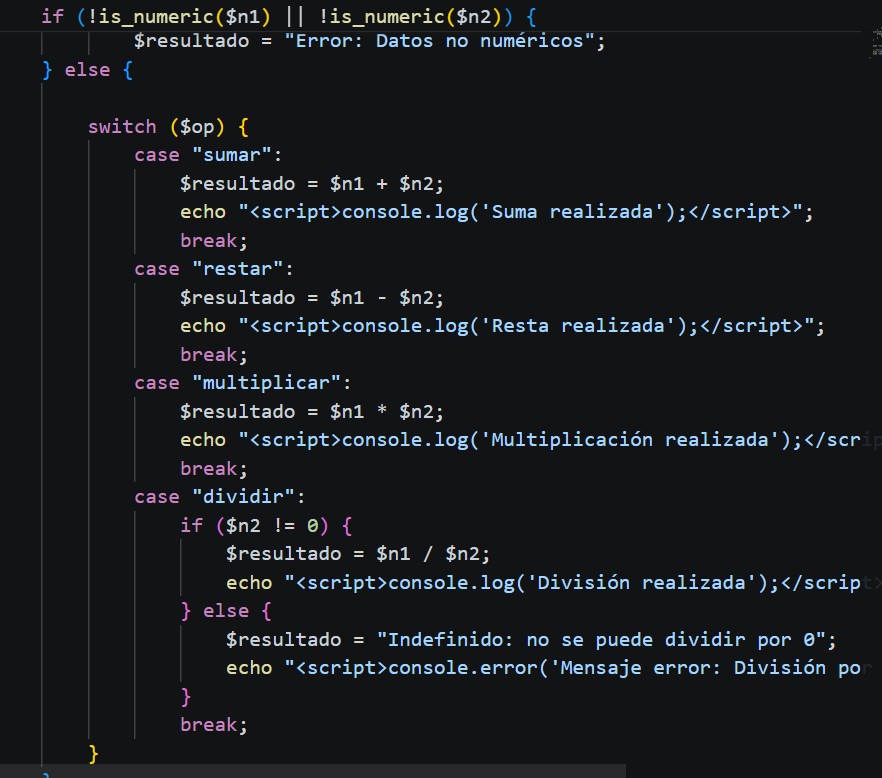
Technical Deep Dive: PHP meets JavaScript & Tailwind
Instead of a static HTML form, I used JavaScript to capture user inputs and manage the calculator’s behavior dynamically. Tailwind CSS allowed me to build a professional UI without leaving the HTML, ensuring that the tool is not only functional but also visually appealing. It’s a great example of how a backend-heavy language like PHP can work in perfect harmony with modern frontend utilities.
My Personal Take
Honestly, building this calculator was a «lightbulb moment» for me. While the University of Michigan exercises were fantastic for understanding security, hashes, and game logic, the Virgen de Gracia project allowed me to practice full-stack integration.
Mixing PHP with a utility-first CSS framework like Tailwind really changed my workflow—it showed me that even the most basic tools (like a calculator) can be polished to a professional standard. It’s not just about making sure the math is right; it’s about making sure the user experience is smooth and the code is maintainable. I’m really happy with how the transition between the logic and the styling turned out!
All Projects & Updates
Explore my dev log: A real-time look at my active projects and coding journey.
Key Projects & Core Portfolio
Curated selection of projects showcasing my expertise in .Net, Android, React Native and React.